Back
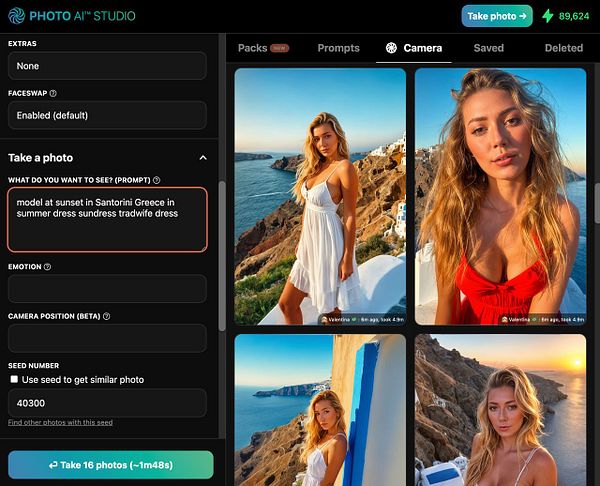
Photo AI

Photo AI

#photoai

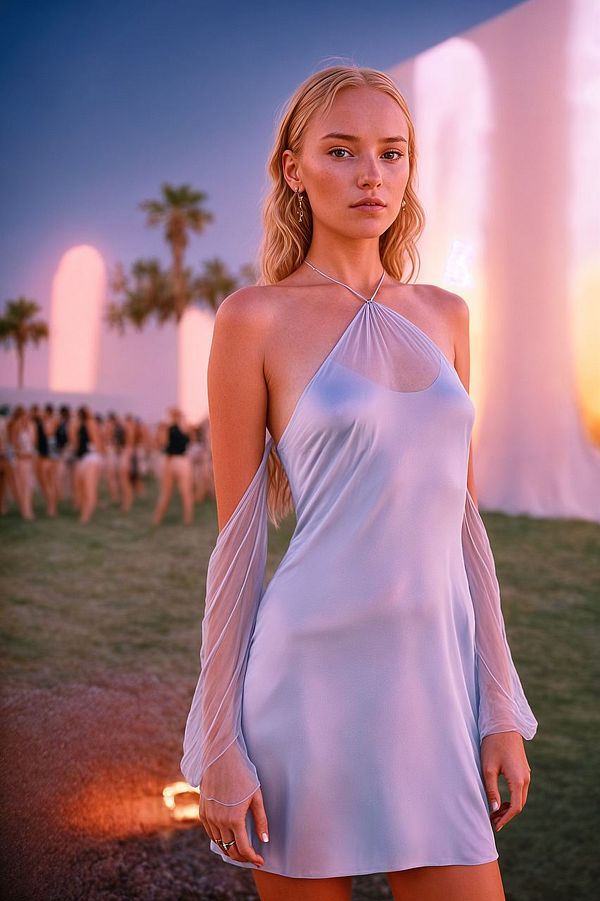
Create beautiful AI photos without using a camera
Launched February 10, 2023
Load previous page…
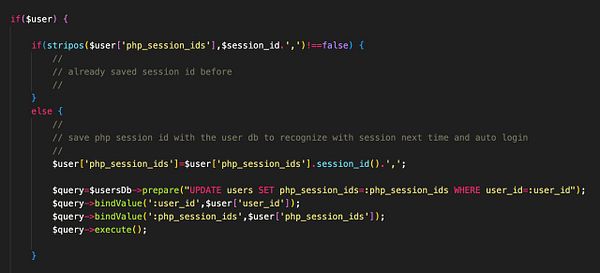
remove repeating code and change to loop that checks if source face photo file exists and has over 1kb size to be used in faceswap #photoai
simplify interface for new users so they can ONLY train their first AI model, and then after that the app becomes functional and they can do other stuff so they don't get lost #photoai
add video tab with instructions how to make a video because people can't find the button sometimes #photoai
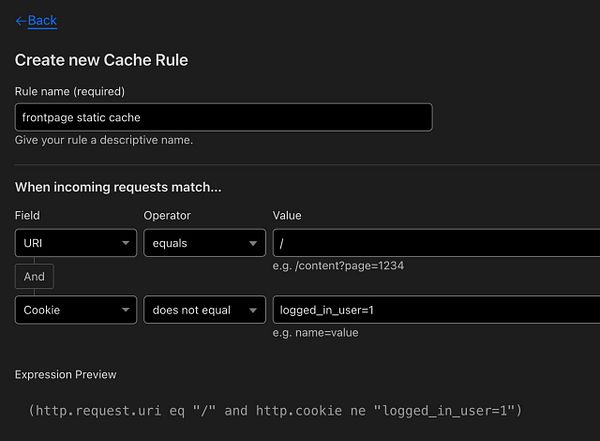
track Google Ad clicks as ref=google_ad #photoai #interiorai
add message that you can't download your photos after cancelling because a user thought that was possible #photoai
see Google ads running for #photoai first time
add ethnicity fix to negative prompt in upscaler too so white people don't become asian #photoai
double favorited photos % from 4% to 9% with new tweaks to model #photoai
make robot to move prompt fields to separate db because @mastef says it will speed up my #photoai db a lot because TEXT fields make things very slow
add sharpen after upscaler #photoai
remove Advanced Tab because the settings have not much effect anymore with the new upscaler #photoai
remove step count option because people would play around with it then get stuck on low step count and blame #photoai quality was bad, and 99% of photos are the default step count anyway
talk with people on X about how to do #photoai Google Ad properly
make Google Ad #photoai
add Google AdWords tracking code for conversions so I can buy ads #photoai
mock up Simple Analytics idea for revenue tracking #photoai
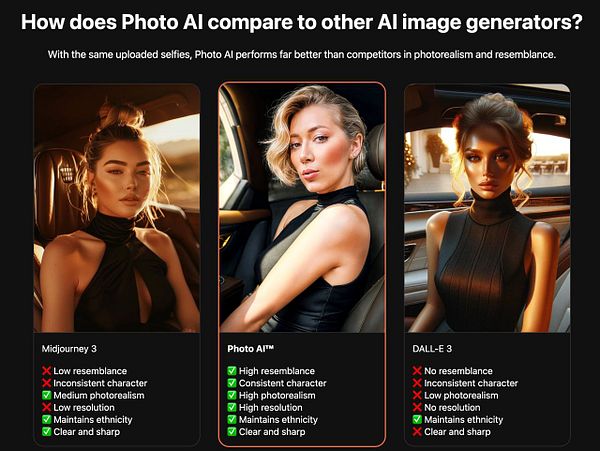
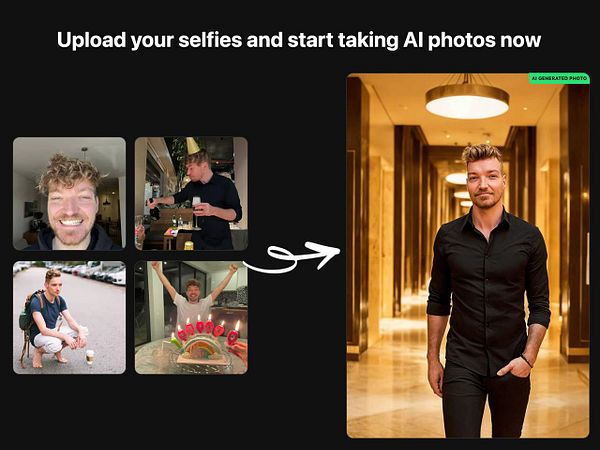
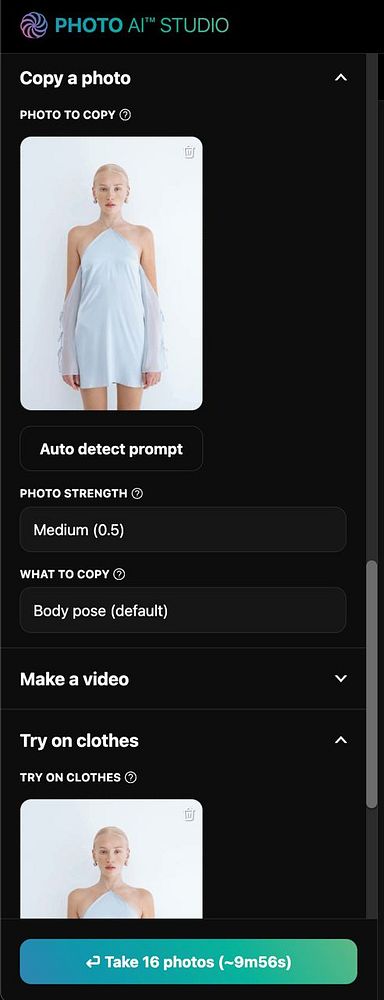
add app preview on landing #photoai (inspired by Applicant AI)
add job divider with prompt #photoai
send Dreambooth parameters to Gen AI photoreal consultant to improve #photoai
Home
Search
Messages
Notifications
More