
Back
Post
How is the background/banner colour for a project determined here on wip.co?
Maybe I am missing something obvious, but I cannot figure out, for the life of me, how the background colours of somebody's projects in the project overview for a person and as linked project for posts are determined.
Example: https://wip.co/@SimJoSt/projects?archived=true
Example: https://wip.co/@SimJoSt/projects?archived=true
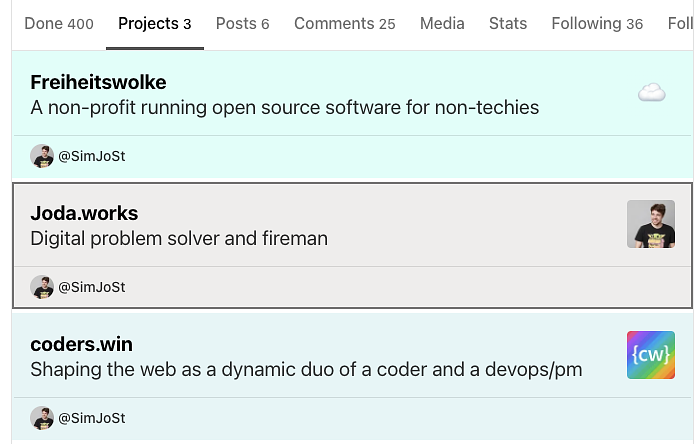 Screenshot 2025-07-15 at 12.03.41.png
71.4 KB
Screenshot 2025-07-15 at 12.03.41.png
71.4 KB
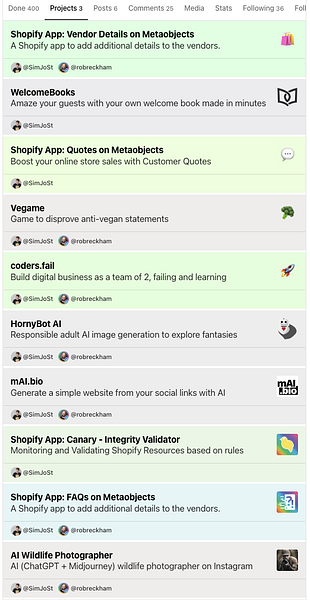 Screenshot 2025-07-15 at 12.03.33.png
166 KB
Screenshot 2025-07-15 at 12.03.33.png
166 KB
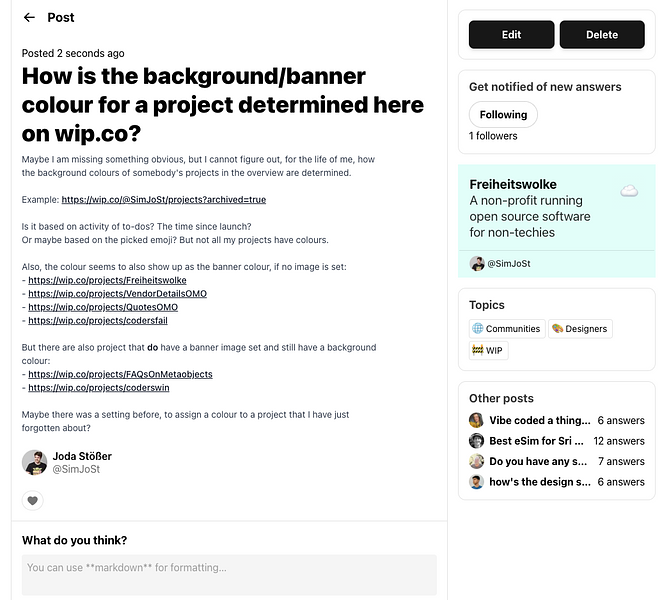 Screenshot 2025-07-15 at 12.04.03.png
209 KB
Screenshot 2025-07-15 at 12.04.03.png
209 KB
Is it based on activity of to-dos? The time since launch?
Or maybe based on the picked emoji? But not all my projects have colours.
Also, the colour seems to also show up as the banner colour, if no image is set:
- https://wip.co/projects/Freiheitswolke
- https://wip.co/projects/VendorDetailsOMO
- https://wip.co/projects/QuotesOMO
- https://wip.co/projects/codersfail
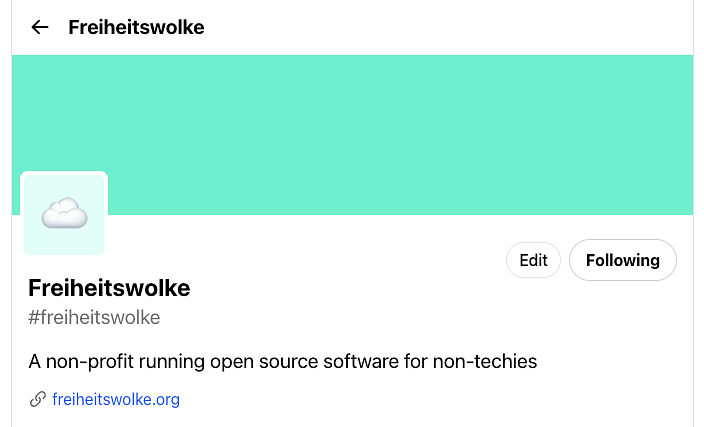 Screenshot 2025-07-15 at 12.05.34.png
35.8 KB
Screenshot 2025-07-15 at 12.05.34.png
35.8 KB
But there are also project that do have a banner image set and still have a background colour:
- https://wip.co/projects/FAQsOnMetaobjects
- https://wip.co/projects/coderswin
Maybe there was a setting before, to assign a colour to a project that I have just forgotten about?
👋 Join WIP to participate
i think its just based on the emoji/logo
Yeah specifically seems to be the background of the logo
Then I'll have to play around with different emojis. As not all of them have a colour associated with them.
Or maybe I need better logos with a more clear background :D